Your code, reviewed and shipped.
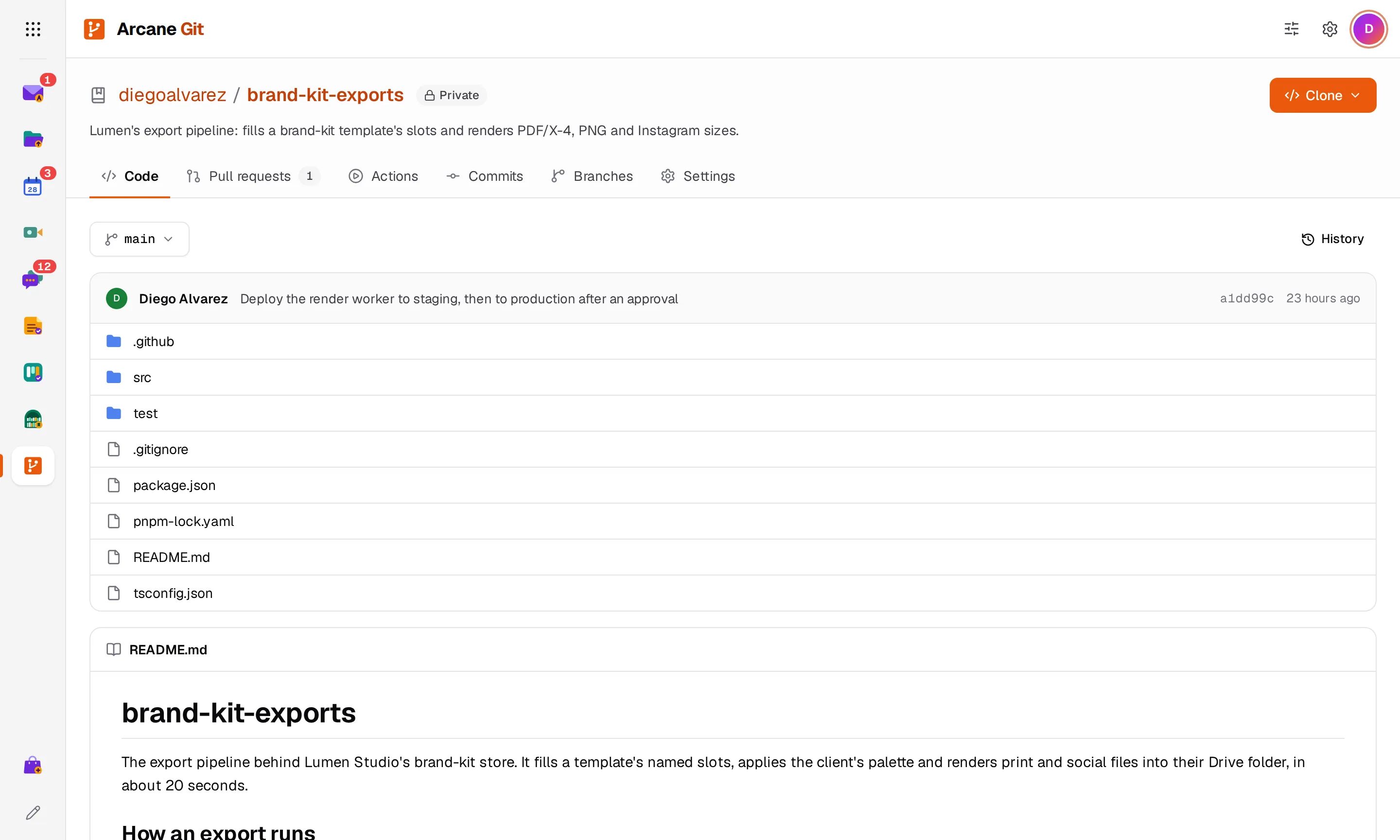
Host your repositories, review changes in pull requests and run your GitHub Actions workflows as they are. Clone and push with the git you already use.
Free to start, with $1 of credit. No card needed, no plans or seats.
- $0.80
- per GB a month of repositories
- $0.006
- per Actions minute, on Linux runners
- Unchanged
- GitHub Actions workflows, from .github/workflows
See Git in action
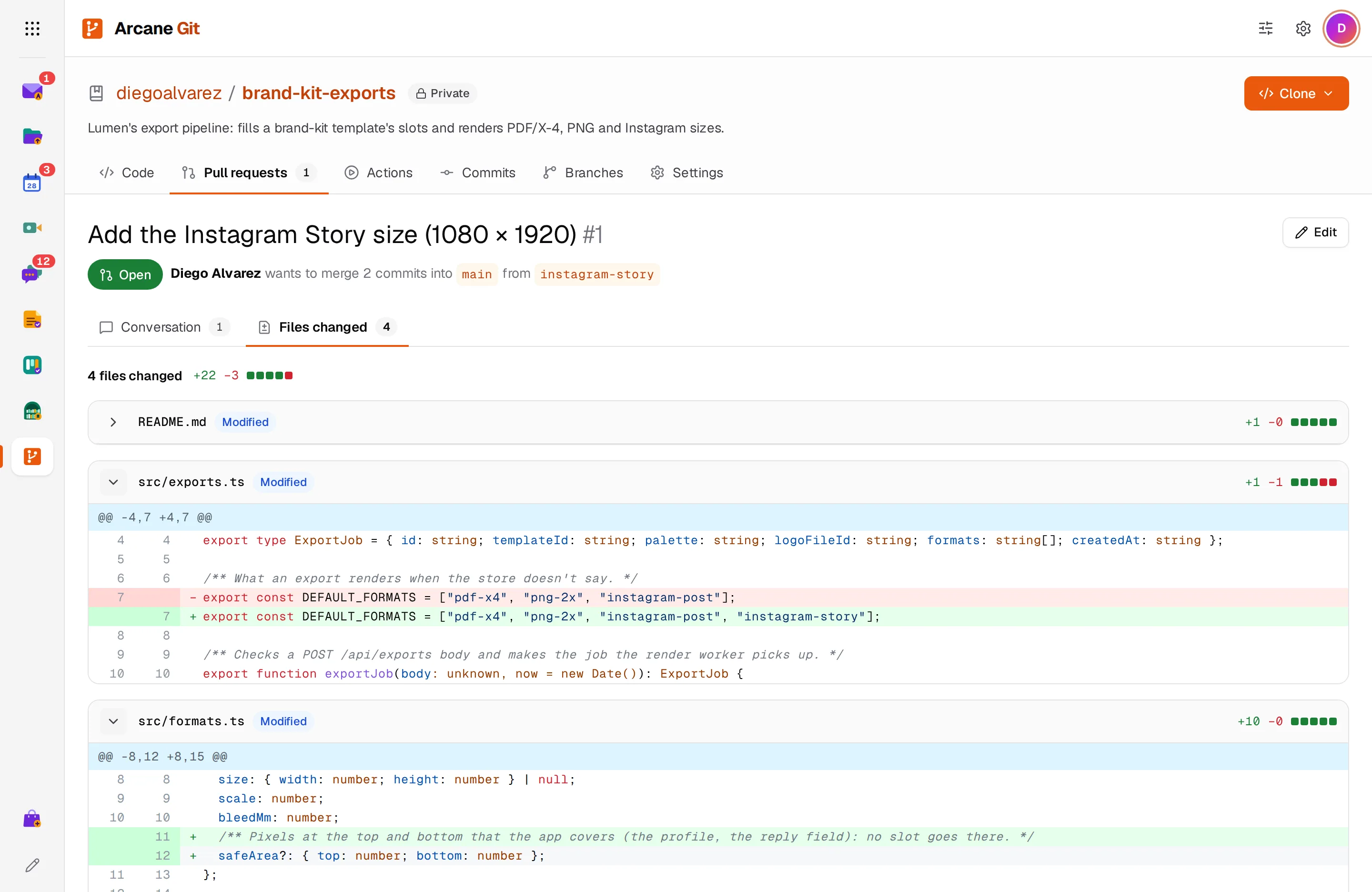
Review every line that changed
See a pull request's files changed as a line diff with syntax highlighting, then comment, approve or request changes.
- Added, changed, renamed and deleted files
- Comment, approve or request changes
- The same diff for every commit
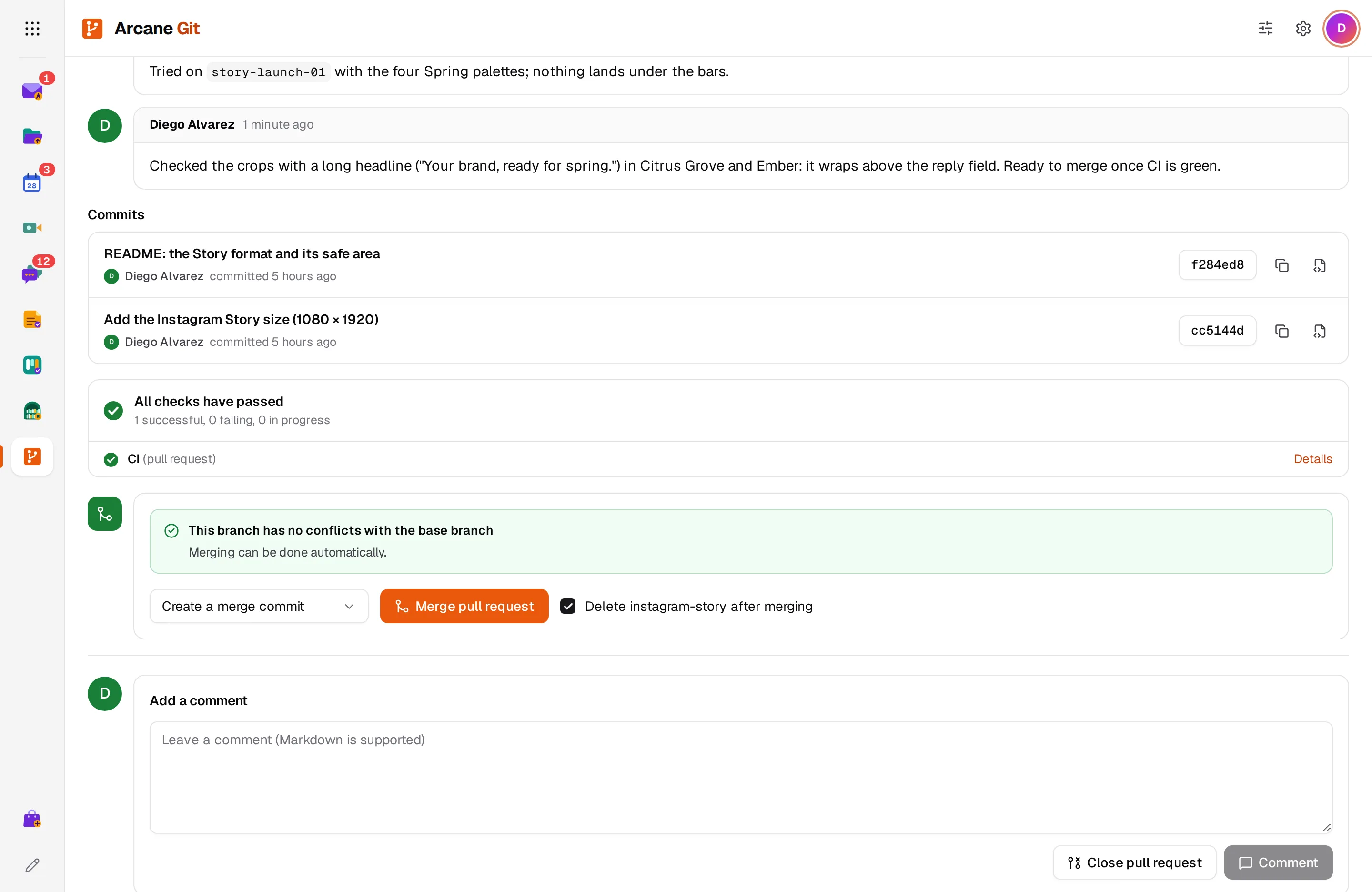
Merge when it's ready
The conversation shows reviews, pushes and checks in order. Arcane Git tells you whether the branch merges cleanly before you click.
- Merge commit or squash
- Conflicting files listed before you merge
- Delete the branch after merging
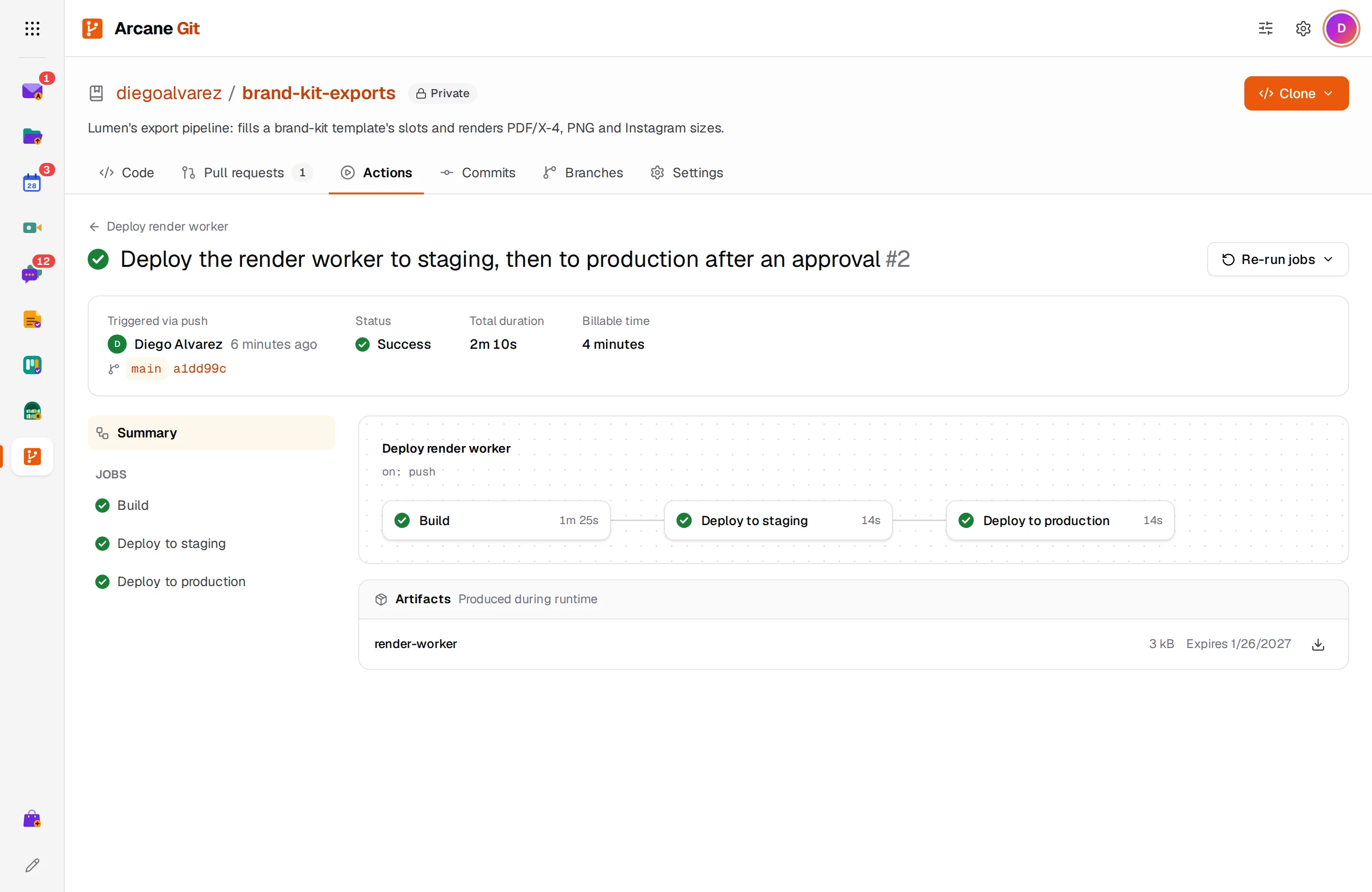
Your GitHub Actions workflows, as they are
Push a workflow from .github/workflows and it runs: the same triggers, actions from github.com, matrices, caches and artifacts. Follow each job's log live.
- On push, pull request, schedule or by hand
- Ubuntu runners with 2 vCPUs and 8 GB
- Re-run failed jobs or cancel a run
Deploy only after someone approves
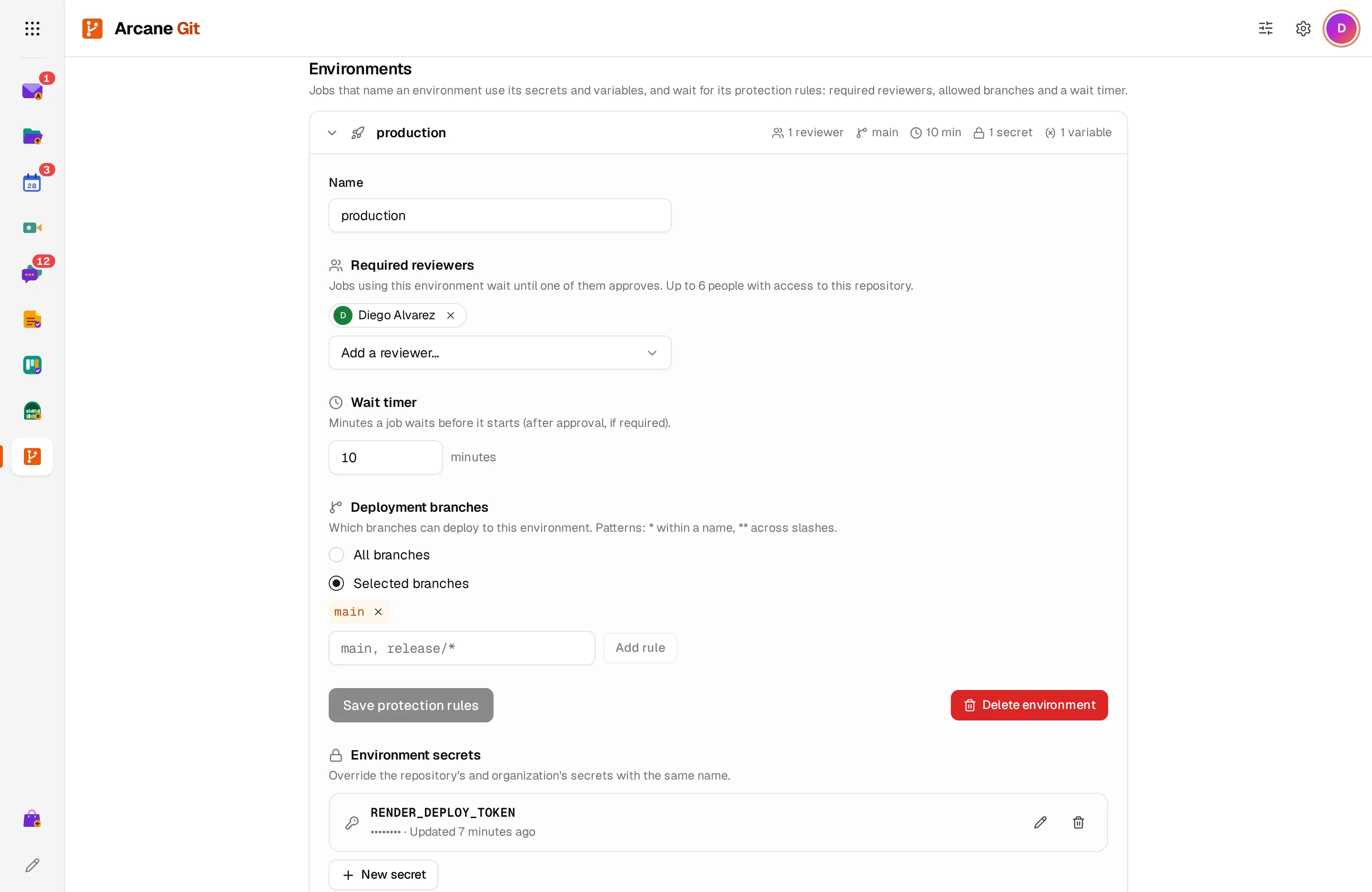
Give an environment its own secrets and variables, the people who must approve, the branches that can deploy and a wait timer.
- Required reviewers
- Allowed branches
- Encrypted secrets, masked in logs
And there’s more
Import a repository
Copy a public repository from GitHub, GitLab or any HTTPS git host, with its whole history.
The Arcane CLI
Run arcane login once and git clones and pushes without asking for a password, like with an SSH key.
Tokens for CI
Make personal access tokens that can read or also push, with an expiry date, and revoke them anytime.
Internal or private
Internal repositories are open to your whole organization. Private ones only to the people you add.
Branches, tags and history
Switch between branches and tags, browse the files at any commit and see what each commit changed.
Change your address
Rename your organization's address. Old links and clone URLs keep working, and no one else can take them.
No plans. Pay for what you use.
Get Arcane Git from the Arcane Store, with no subscription: its usage goes on your Arcane invoice. Personal accounts start with $1 of credit and no card. After that you pay at least $1 a month, and all of it counts toward your usage across every app.
- No ads, ever
- No per-user fees: unlimited users for businesses
- Prices in your currency, with local taxes on your invoice
What 15 developers really pay for git hosting
GitHub and GitLab charge for every seat, however much code you keep. Arcane Git charges for your repositories' size, git operations and Actions minutes.
Competitor prices are list prices in US dollars, as published on their websites in October 2026, before taxes: GitHub Team per month, with 3,000 Actions minutes and extra Linux minutes at $0.006; GitLab Premium billed annually, with 10,000 compute minutes. Prices in your country and currency may differ.
Questions about Git
Can I move my repositories from GitHub?
Yes. Import a public repository by its HTTPS address, with its history. For a private one, create an empty repository and push your code to it from your computer.
Do my GitHub Actions workflows need changes?
No. Workflows in .github/workflows run as they are on push, pull request, schedule and Run workflow, with the same actions, matrices, caches, artifacts, secrets and environments. Other triggers, like issues and releases, don't run workflows yet.
What do the runners have?
Each job gets its own Ubuntu 24.04 machine with 2 vCPUs, 8 GB of memory and 16 GB of disk, Docker when a job needs it, and internet access. Jobs can run for up to 6 hours.
Can I use SSH?
No, Arcane Git works over HTTPS. Sign in a computer once with the Arcane CLI and git clones and pushes without a password, like with an SSH key. On servers and in CI, use a personal access token.
How is storage measured?
By what you push: the size of every push into a repository, plus an import's size, counted each day. Git operations are each clone, fetch or push.
Who can see my repositories?
Internal repositories: everyone in your organization can see and clone them, and the people you add can push. Private ones: only the people you add. Your organization's admins can manage them all. A personal account's repositories are private.
Are there issues and forks?
Not yet. Pull requests are between branches of the same repository, and people with write access push their branches there.
Start using Arcane Git today
Create an account in under a minute, with $1 of credit and no card. You get Git and the other 12 apps, for yourself or your whole team.