Capture it now, find it later.
Quick notes, checklists and ideas that stay in sync across your devices, with AI that summarizes, rewrites and translates.
Free to start, with $1 of credit. No card needed, no plans or seats.
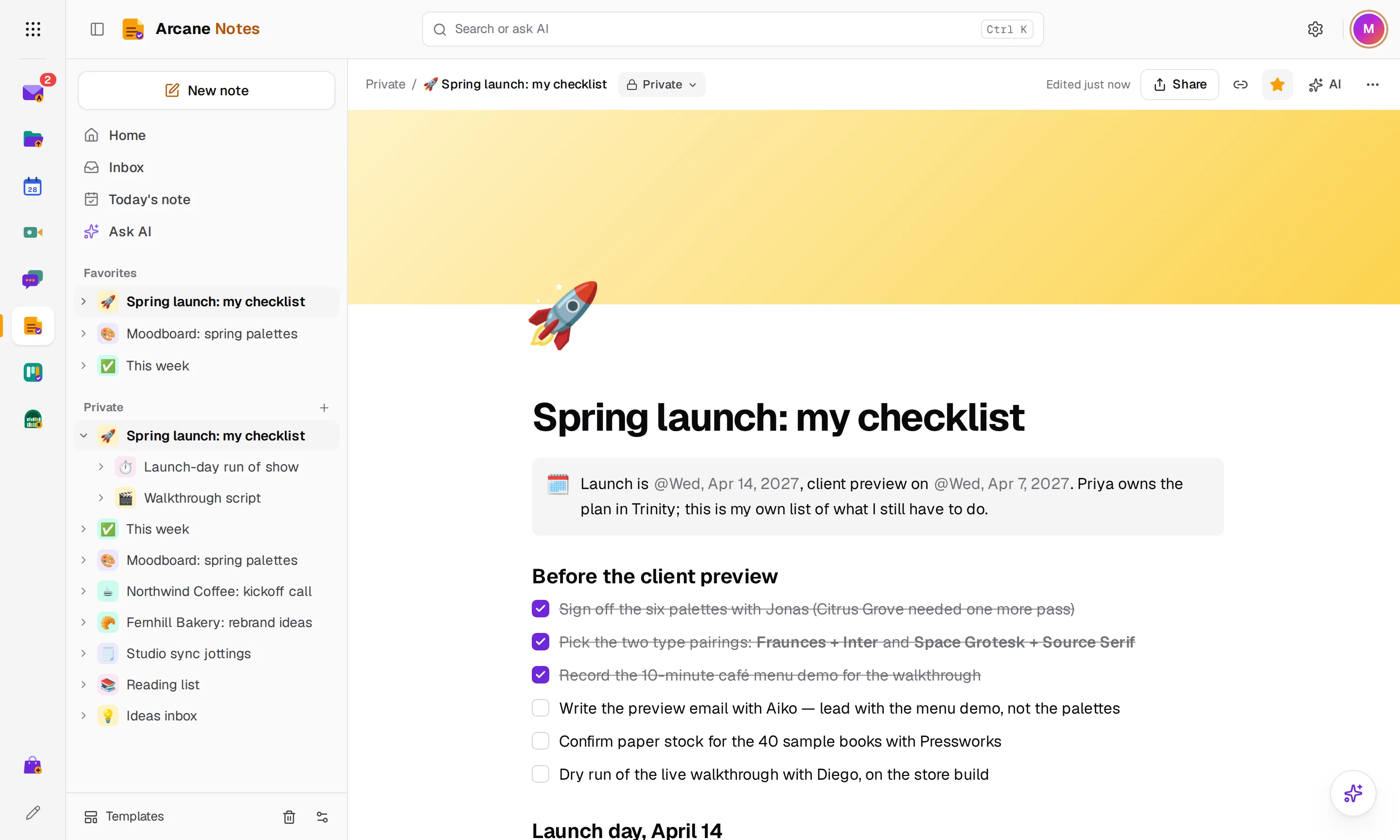
- Live
- sync across phone and computer
- Blocks
- for text, checklists, images and code
- Import
- from Notion, Evernote, Confluence and Markdown
See Notes in action
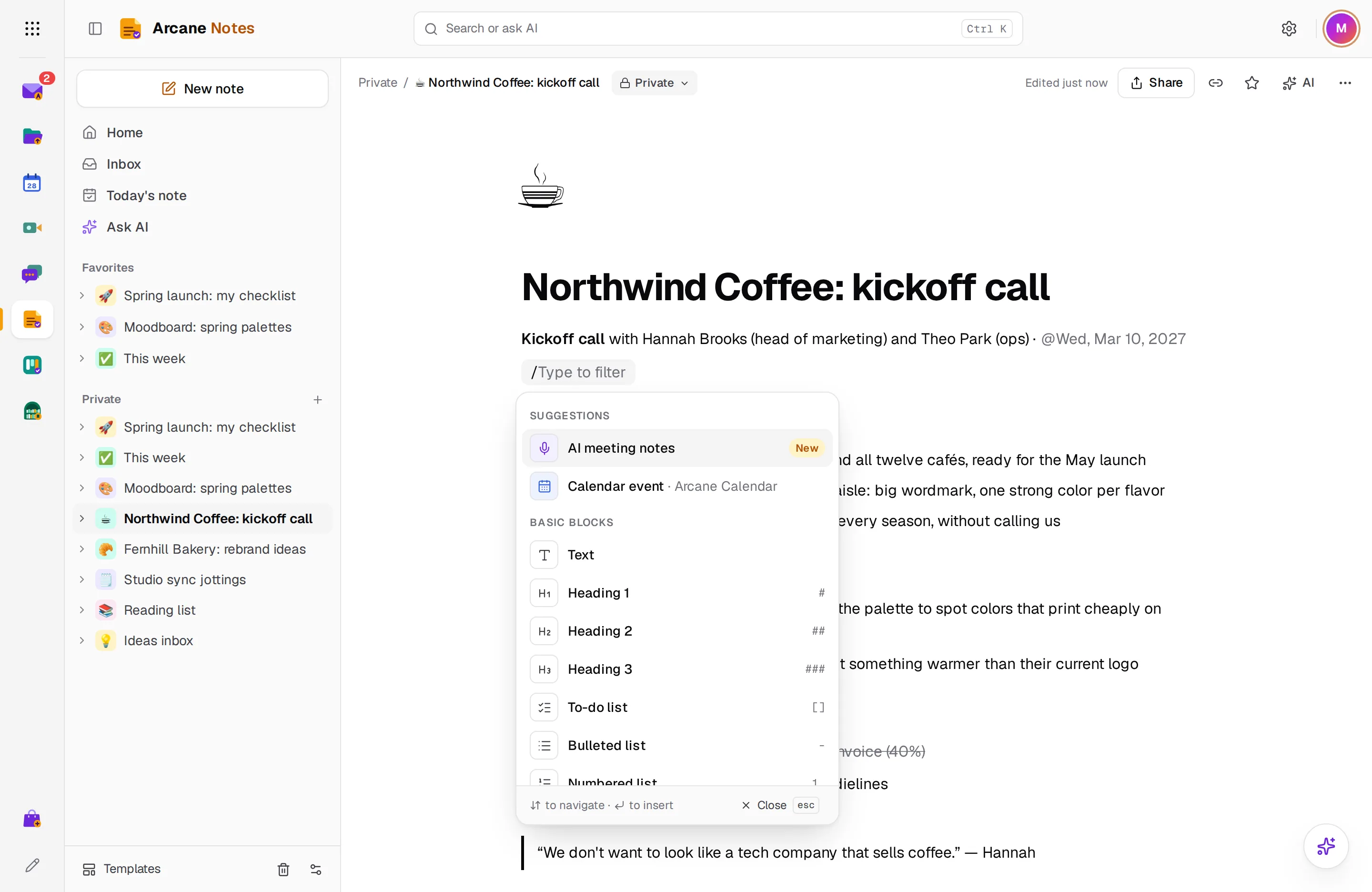
Type / for anything
Headings, checklists, tables, images, code and more without leaving the keyboard.
- Headings and lists
- Checklists and tables
- Images and code
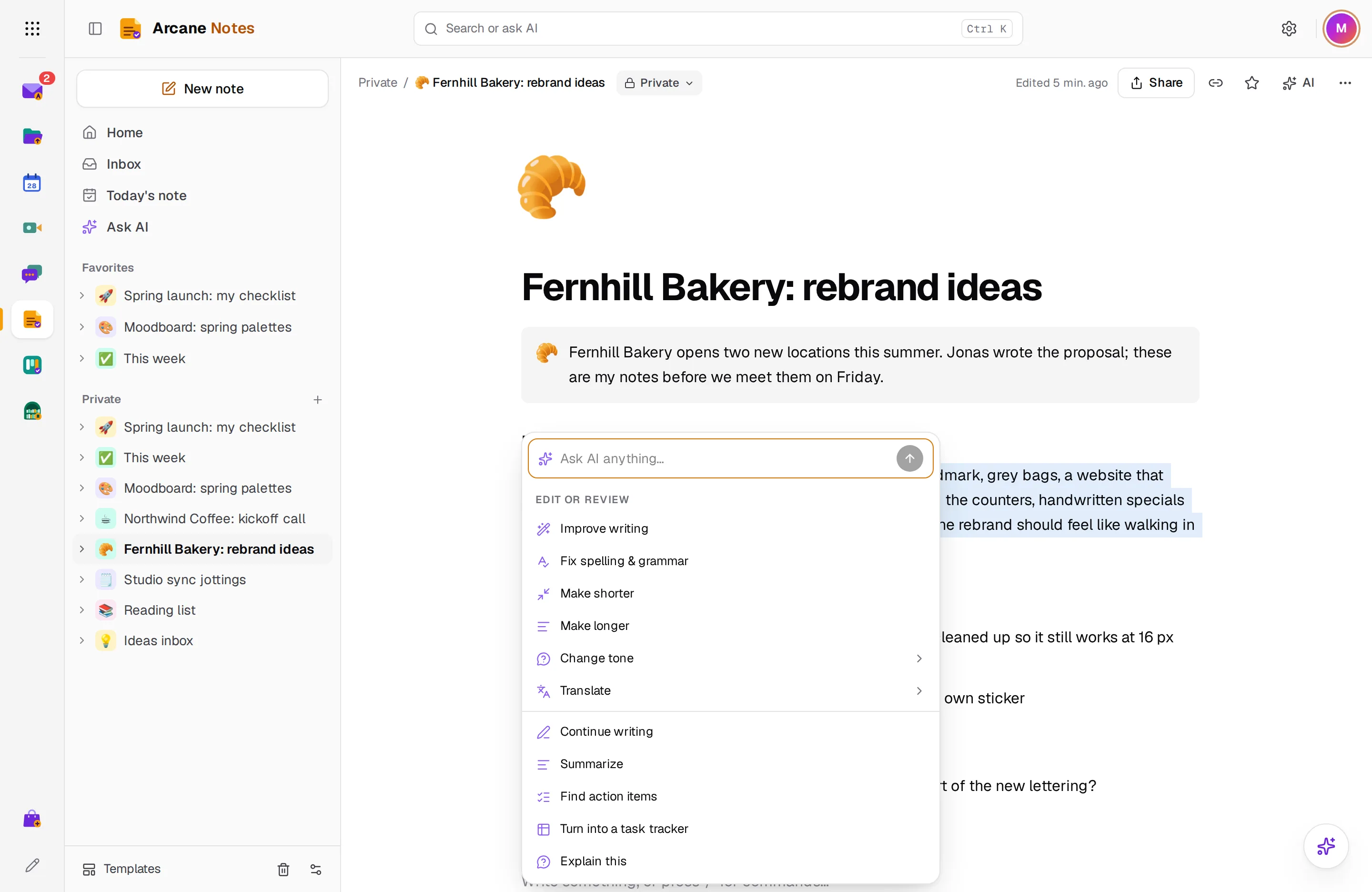
Summarize, rewrite or continue
Ask AI about the note you're in and choose whether to apply the result.
- Summaries
- Rewrite and translate
- You decide what to keep
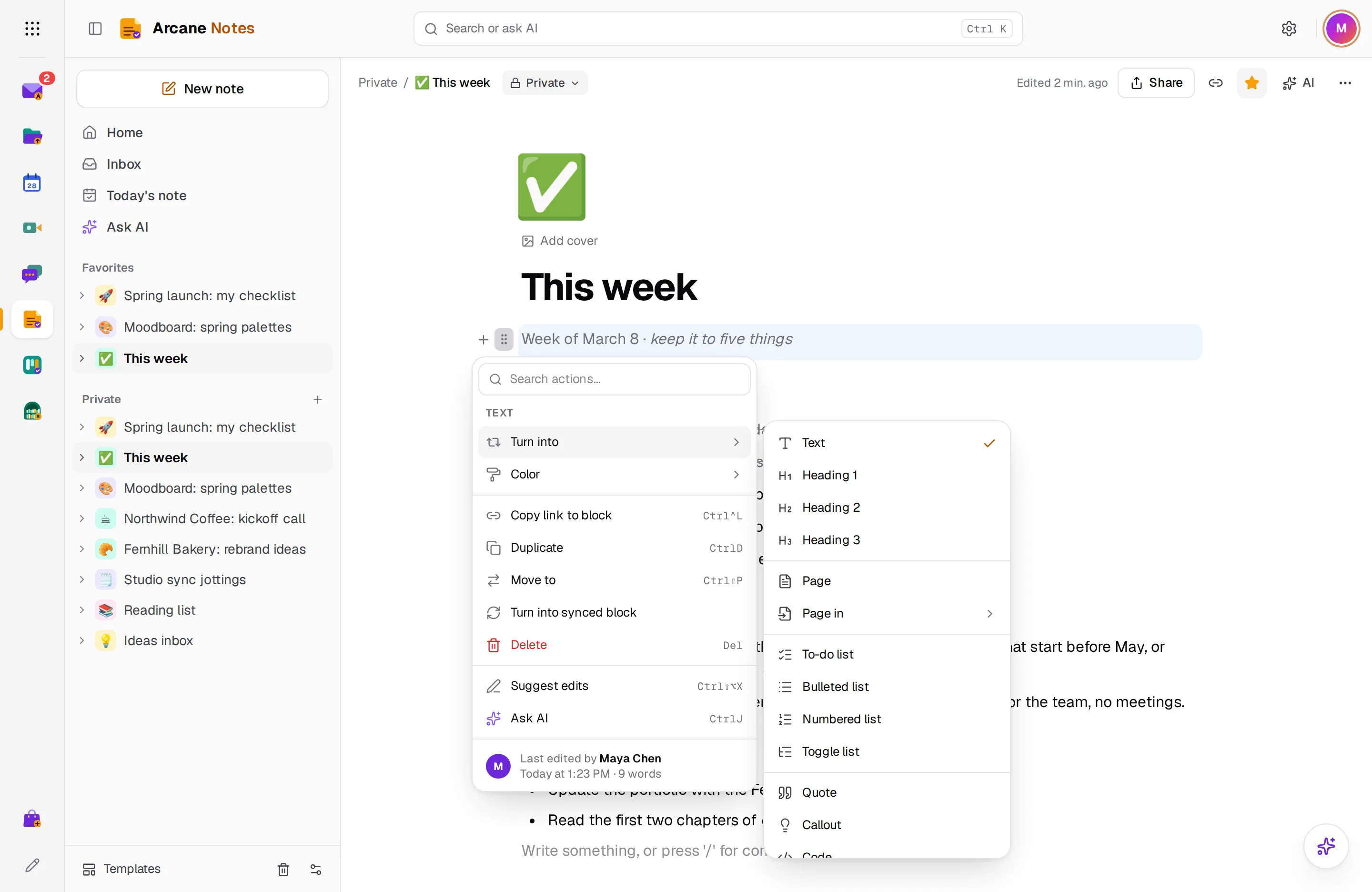
Turn any block into something else
Change a paragraph into a checklist, heading or quote, or move it by dragging.
- Turn into
- Drag to reorder
- Duplicate and delete
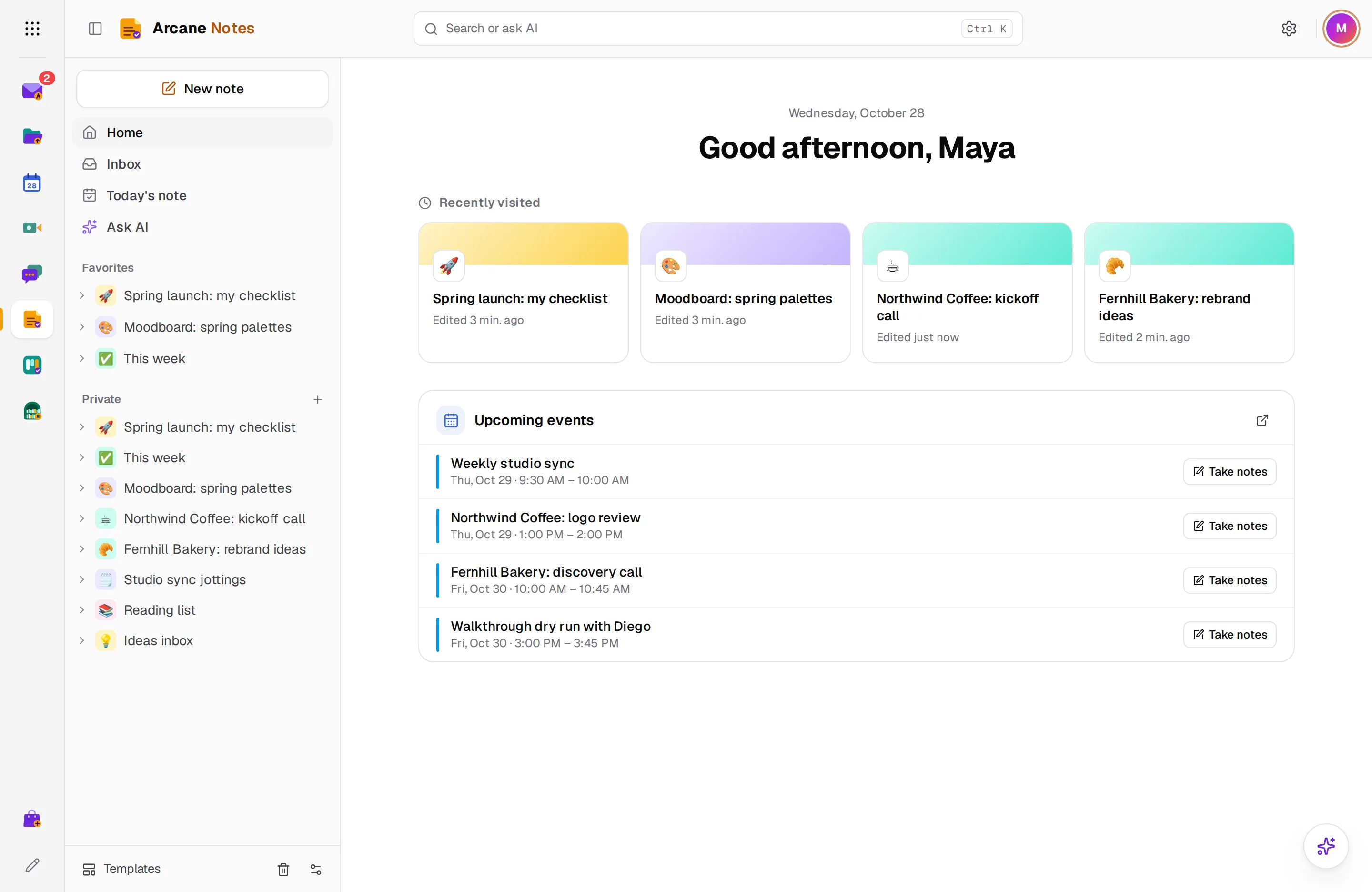
Pick up where you left off
Home shows the pages you opened last and what's coming up on your calendar.
- Recently visited
- Favorites in the sidebar
- Upcoming events
And there’s more
Write fast
Type / to add headings, checklists, tables, images and code.
Checklists
Tick things off, reorder by dragging and set reminders.
Pages and favorites
Nest pages inside pages and keep the ones you use most in Favorites.
Summarize and tidy
Turn rough notes into a clear summary or a list of action items.
Share a note
Share with a person or a link, and edit together in real time.
Bring your notes
Import Markdown, Evernote files, or a Notion or Confluence export.
Works with the rest of Arcane Suite
One account for 13 apps. Notes connects to the apps your team already uses, with no setup.
See all appsNo plans. Pay for what you use.
Notes is included in every Arcane Suite account. Personal accounts start with $1 of credit and no card. After that you pay at least $1 a month, and all of it counts toward your usage across every app.
- No ads, ever
- No per-user fees: unlimited users for businesses
- Prices in your currency, with local taxes on your invoice
Questions about Notes
Who can see my notes?
Only you. A page stays private until you share it with someone or turn on its link.
Can I share notes?
Yes. Invite people by email to view or edit a page with you, or share a link anyone can open.
Can I import notes from another app?
Yes. Import Markdown, text, HTML, Evernote (.enex) files, CSV, or a .zip export from Notion or Confluence.
Is there a phone app?
Not yet. Notes works in your phone's browser, with a layout made for small screens, and changes show up on your other devices right away.
Start using Arcane Notes today
Create an account in under a minute, with $1 of credit and no card. You get Notes and the other 12 apps, for yourself or your whole team.